Your account password is a 6‑digit numeric password set up by yourself. It is required for logging in to the App, making transfers, and other important transactions. Your account password is your "digital key".
You can set up your account password during registration or change account password through "Passwords & Security":
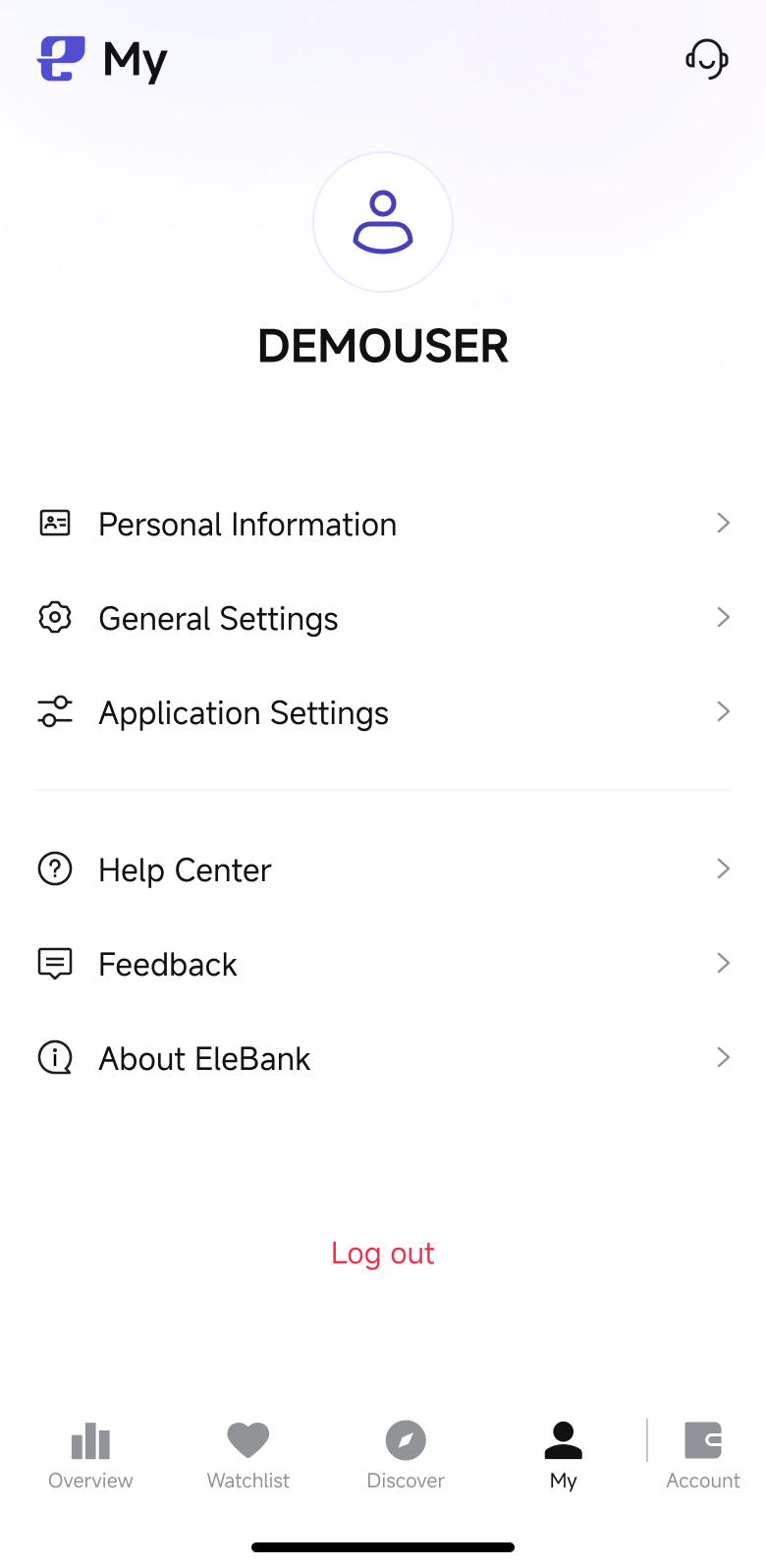
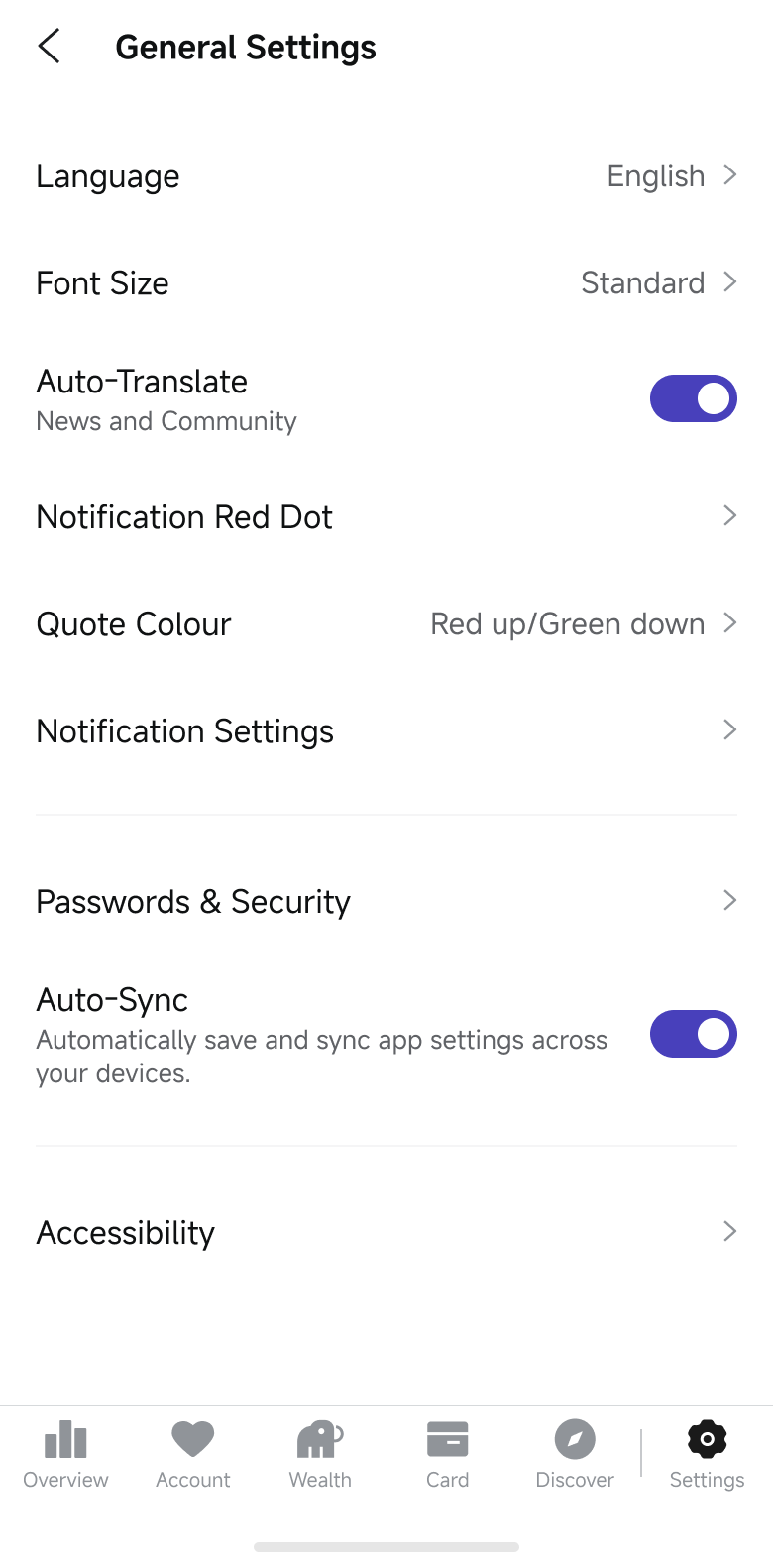
Step 1: Log in the EleBank mobile App and go to the "My" page at the bottom right corner, tap "General Settings".
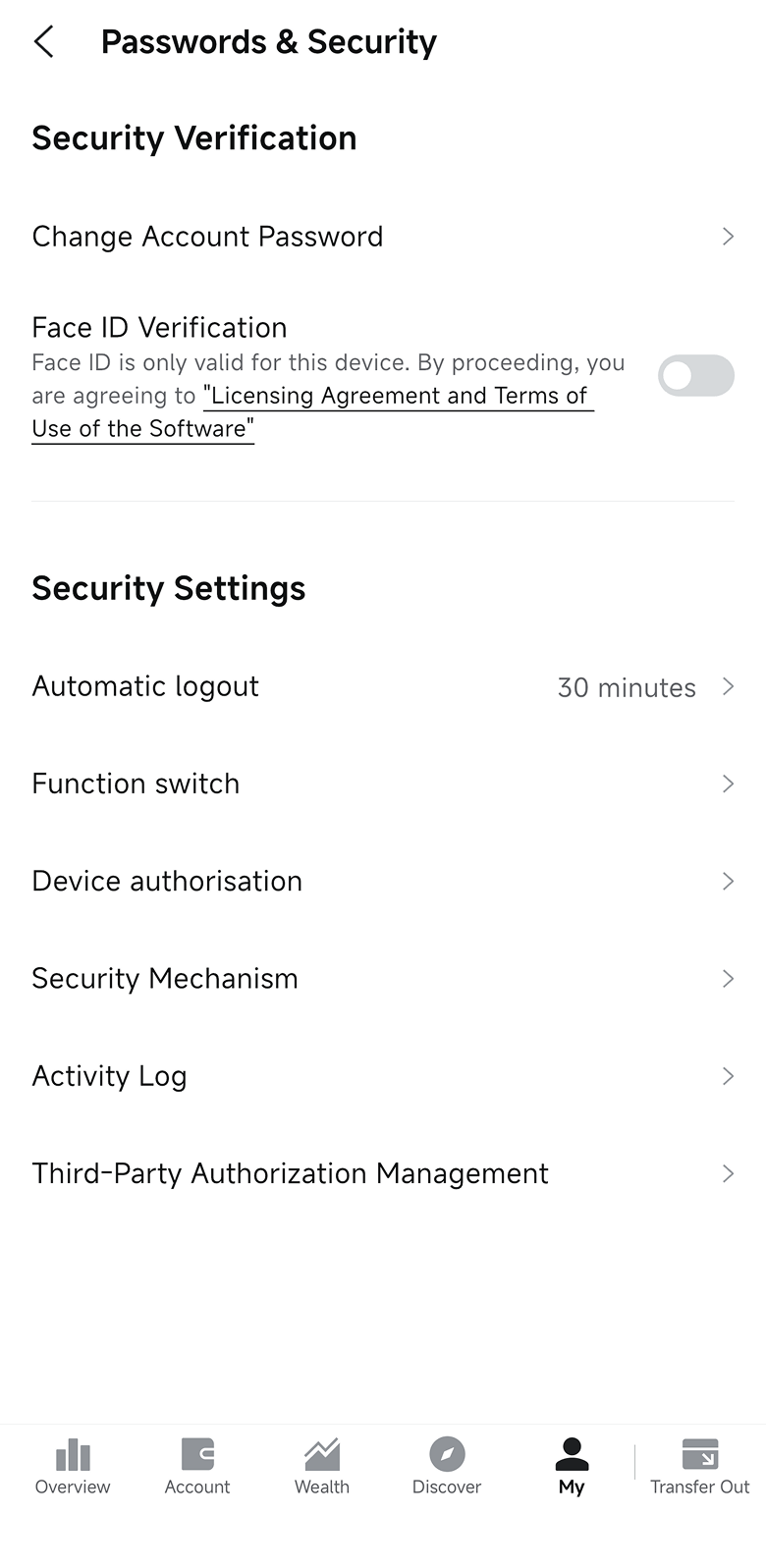
Step 2: Tap "Passwords & Security".
Step 3: Tap "Change Account Password".
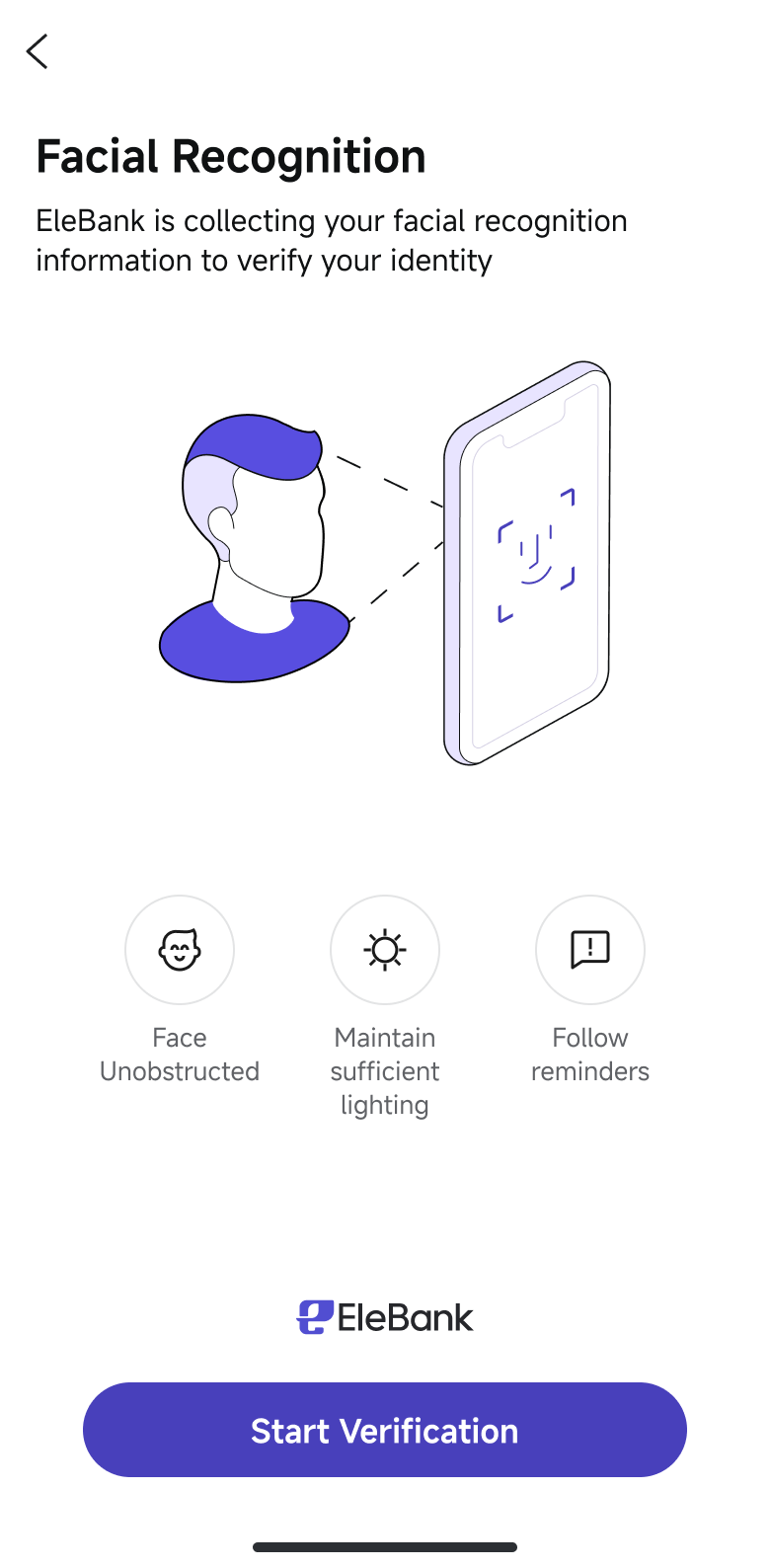
Step 4: Complete facial recognition as requested.
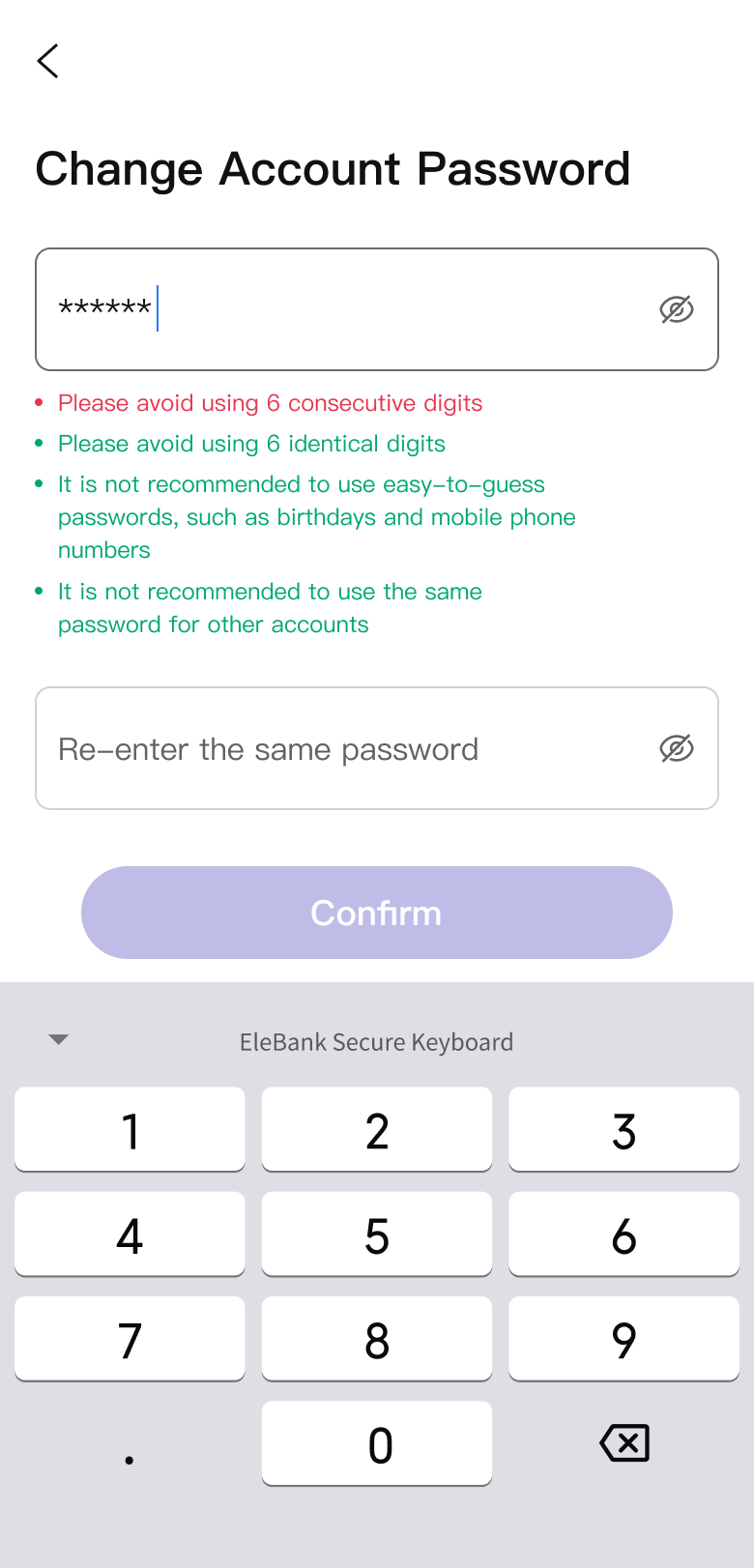
Step 5: Change your password and tap "Confirm".
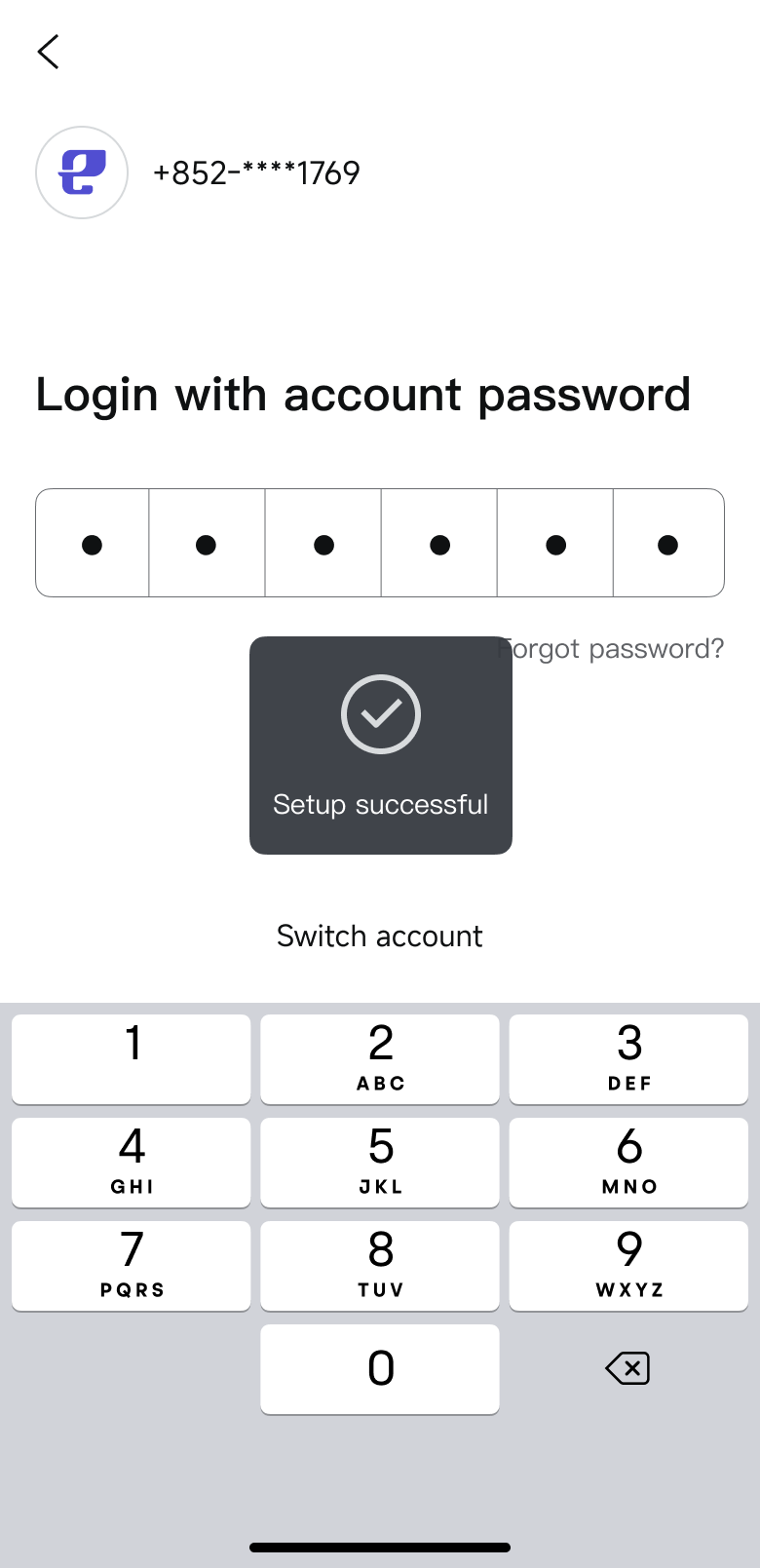
Step 6: Your account password will be successfully changed after confirmation.