Banking ![arrow]()
Physical Store ![arrow]()
Daily statement: Within 2 trading days after the transaction date
Monthly statement: Within 7 trading days of the month after the transaction month
Path:「APP > Accounts > My > Account Statement > Invesetment Statement」
If a transaction occurs, EleBank will send statement to the registered email address.
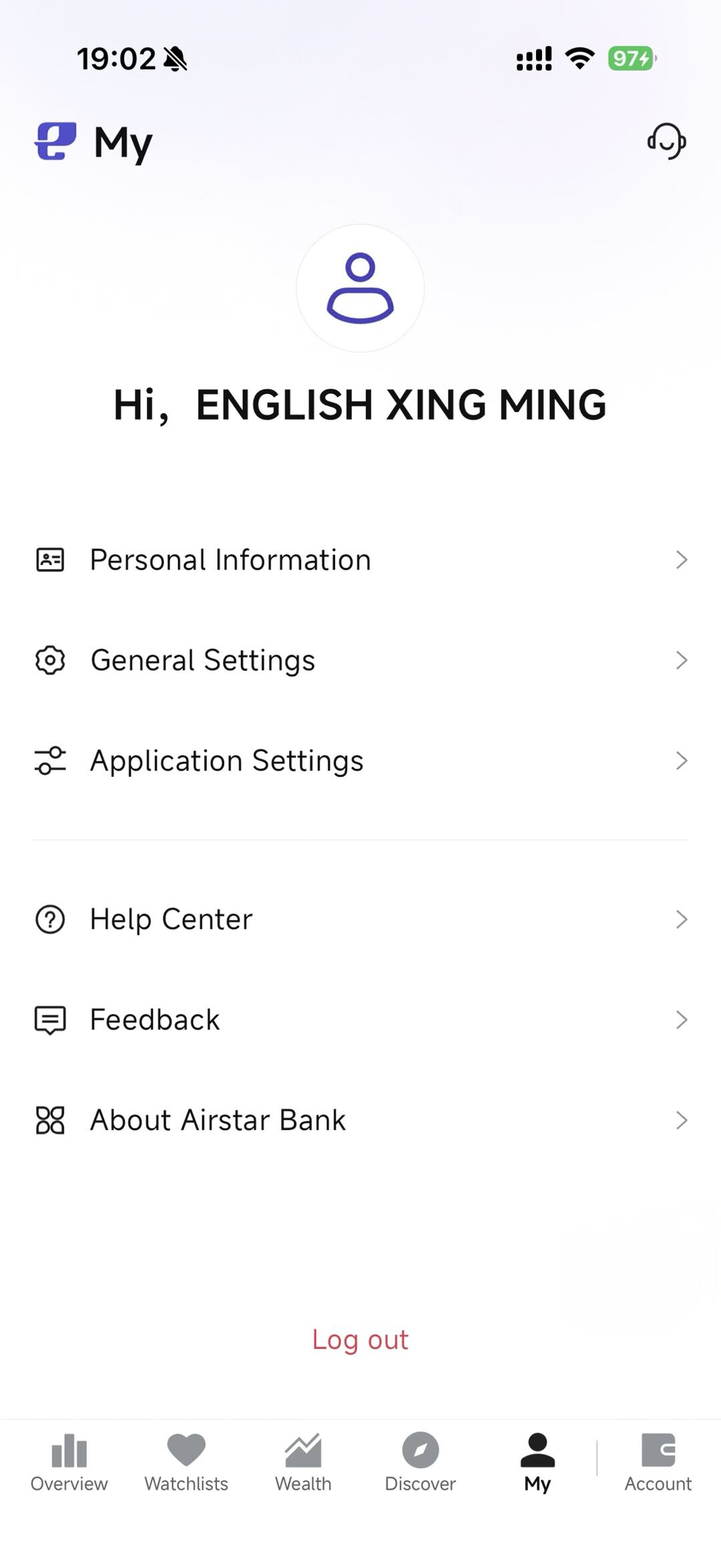
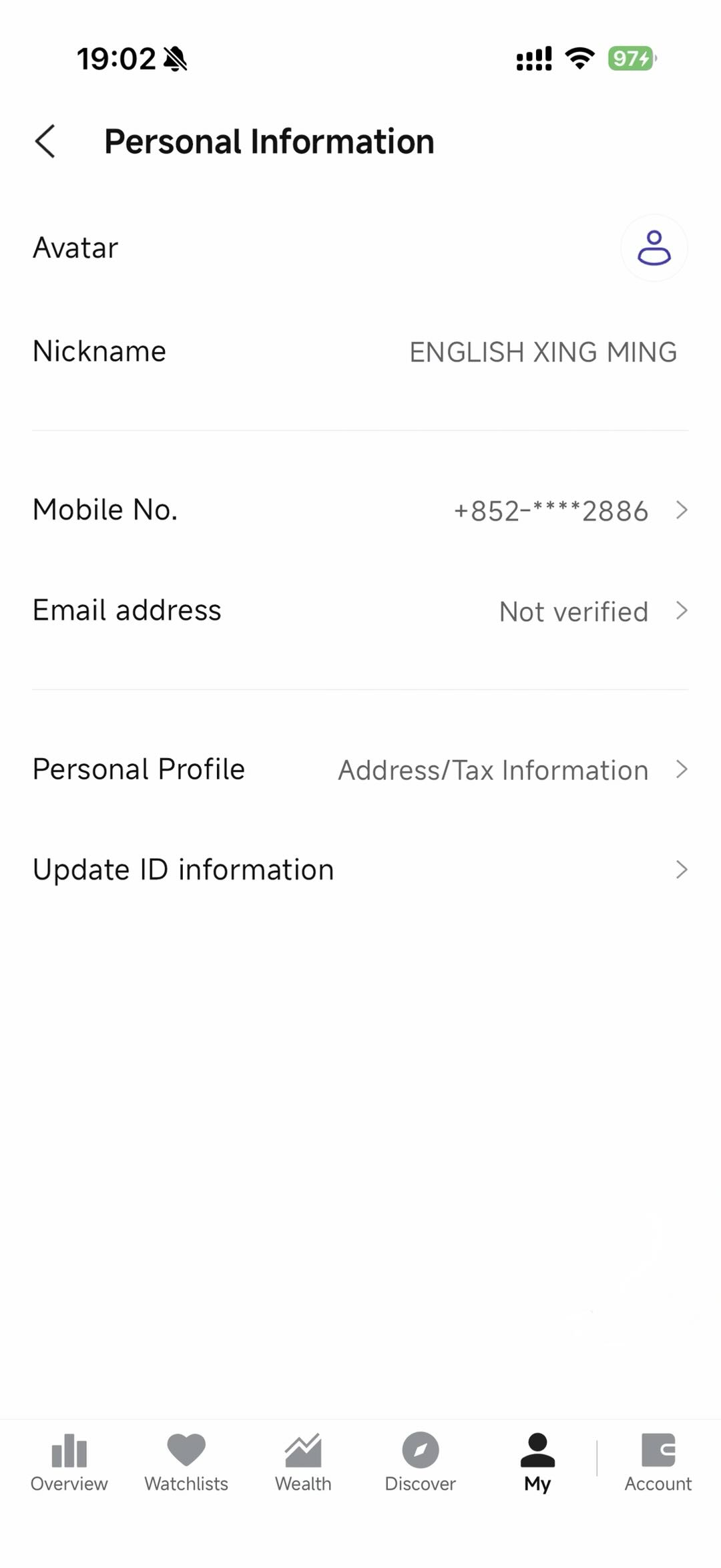
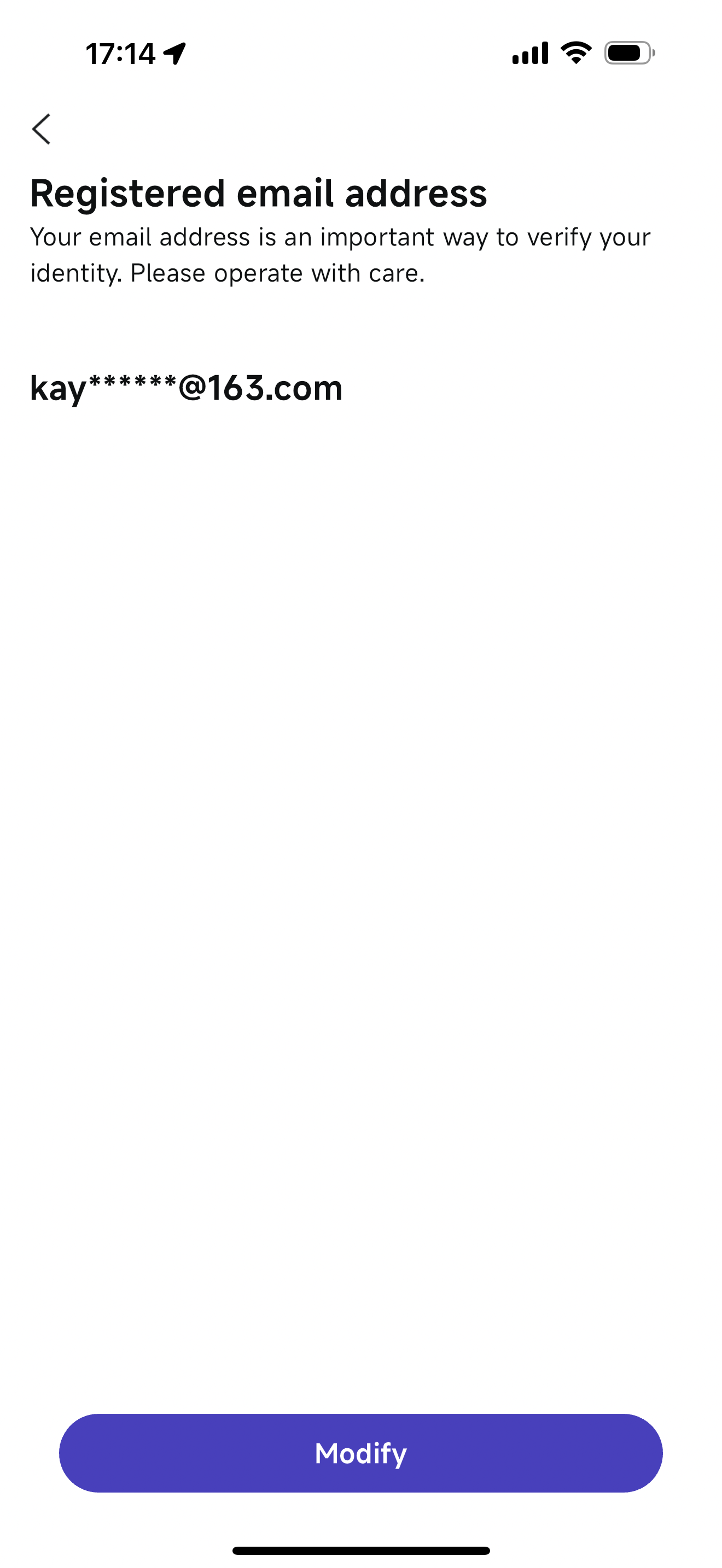
If the email you filled in when opening account is not a commonly used email, you can log in EleBank APP to modify your registered email address.
Path:「 EleBank APP > My > Hi, Name > E-mail address」
EleBank Causeway Bay Physical Store
Address: Shop S & X, Hong Kong Mansion, 1A-1L Yee Wo Street, Causeway Bay (Exit E of Causeway Bay Station)
Opening hours: Monday to Sunday - 10am to 9pm (The Physical Store's opening hours may be adjusted on certain public holidays. Please refer to the Bank's announcements.)