Banking ![arrow]()
Physical Store ![arrow]()
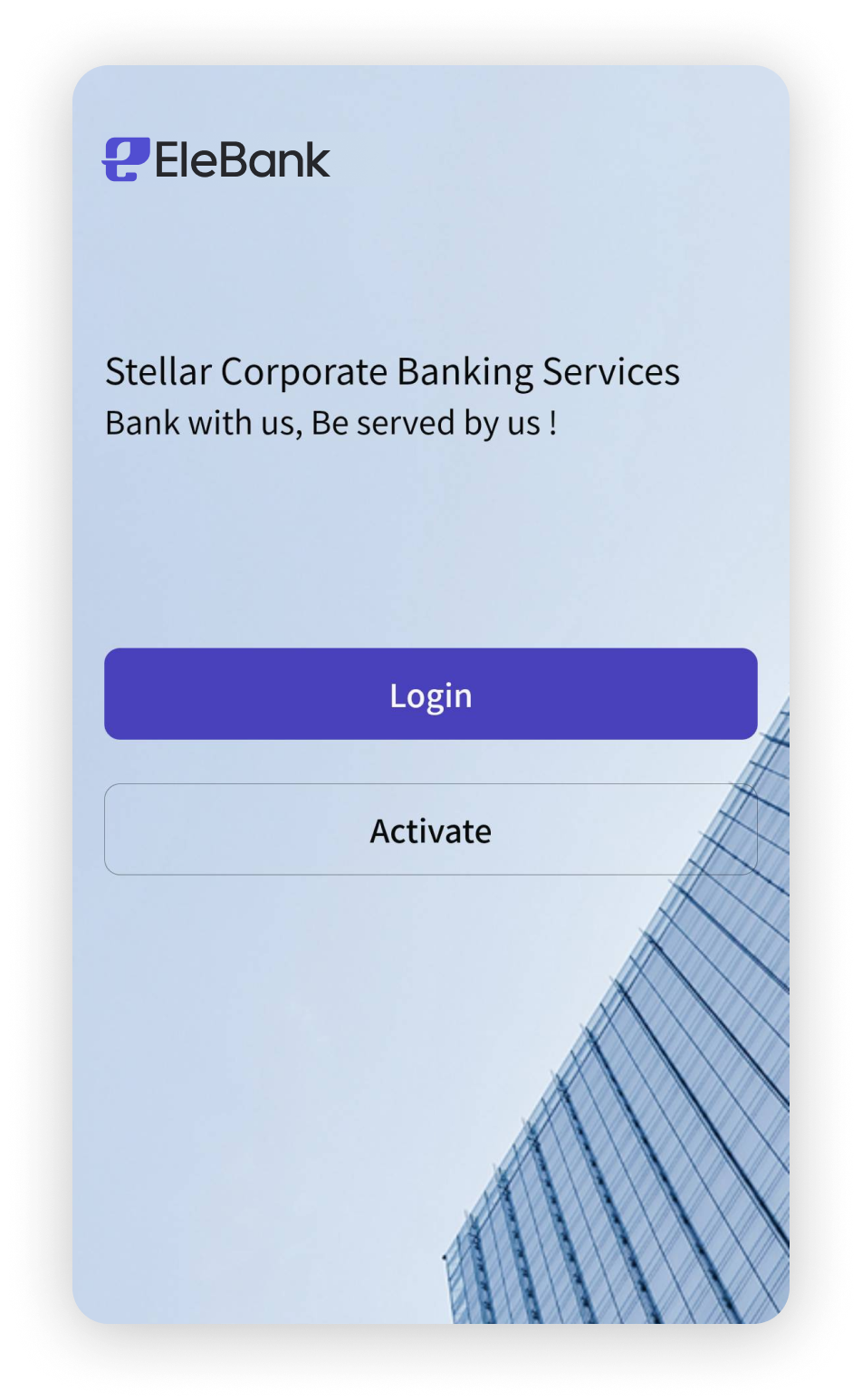 | The first stepOpen the EleBank Corporate soft token and enter the Group ID, User's Name, login password and verification code to login
|
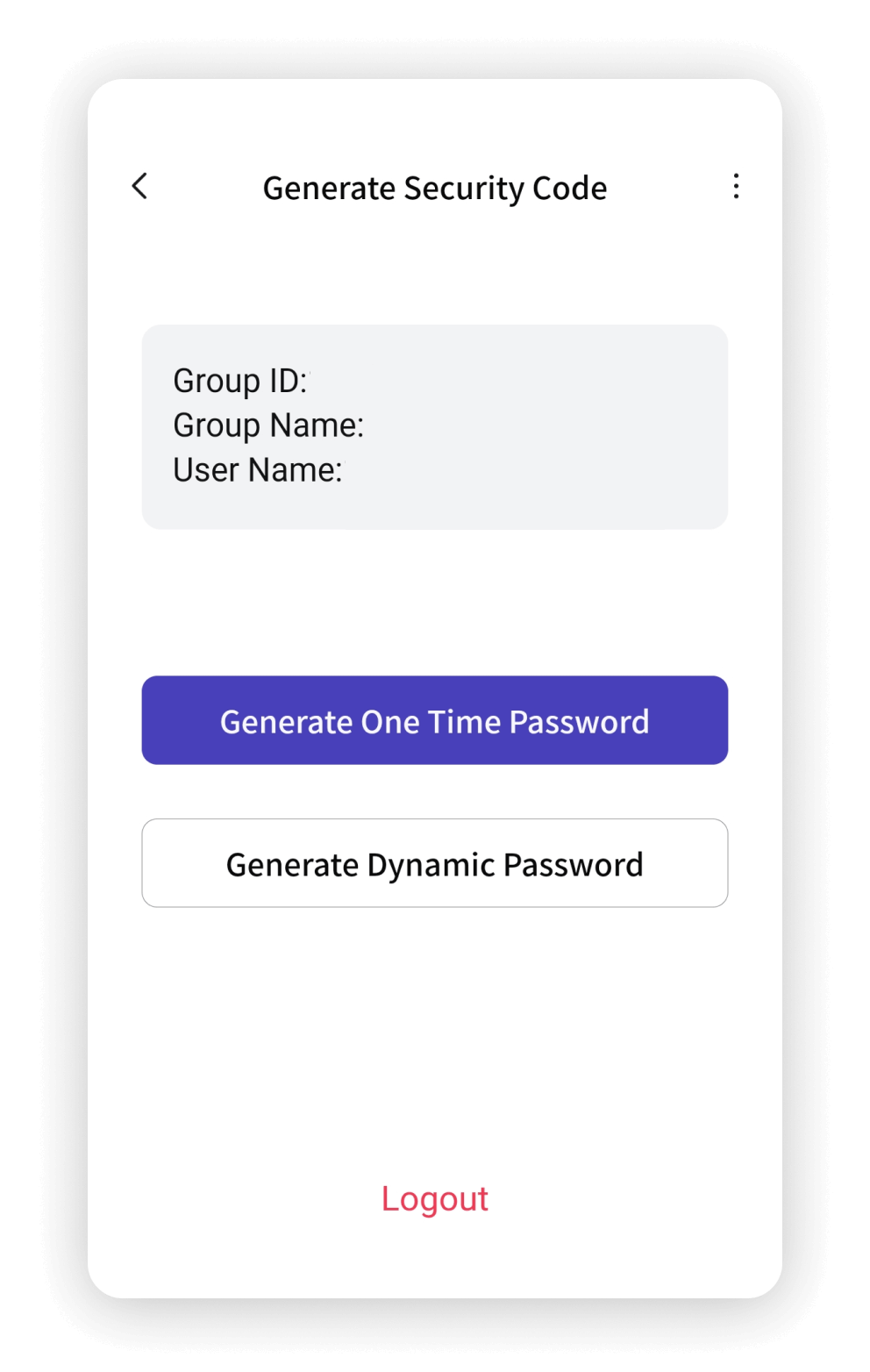 | The second stepClick "Generate One Time Password" |
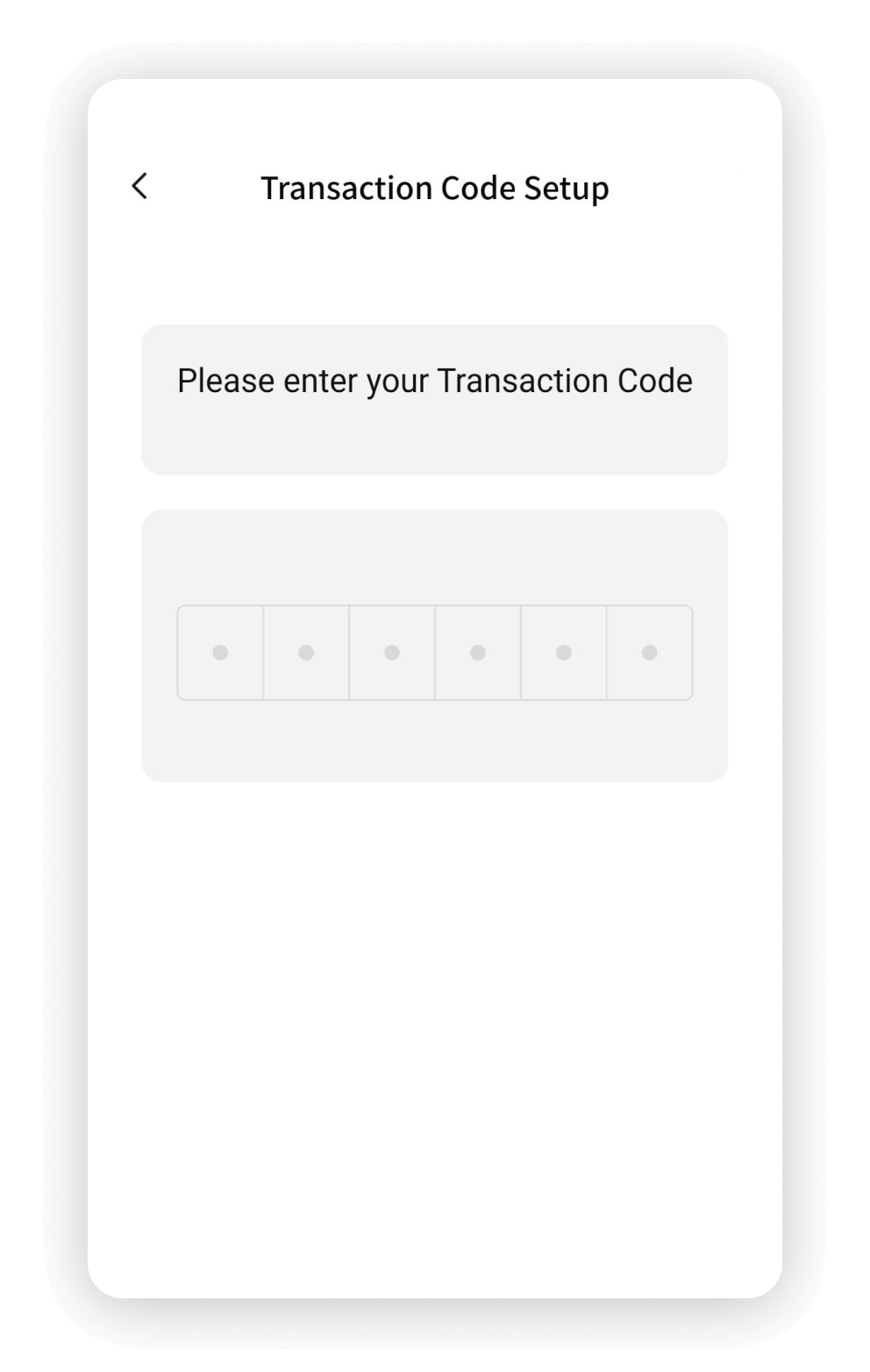 | The third stepEnter the transaction password |
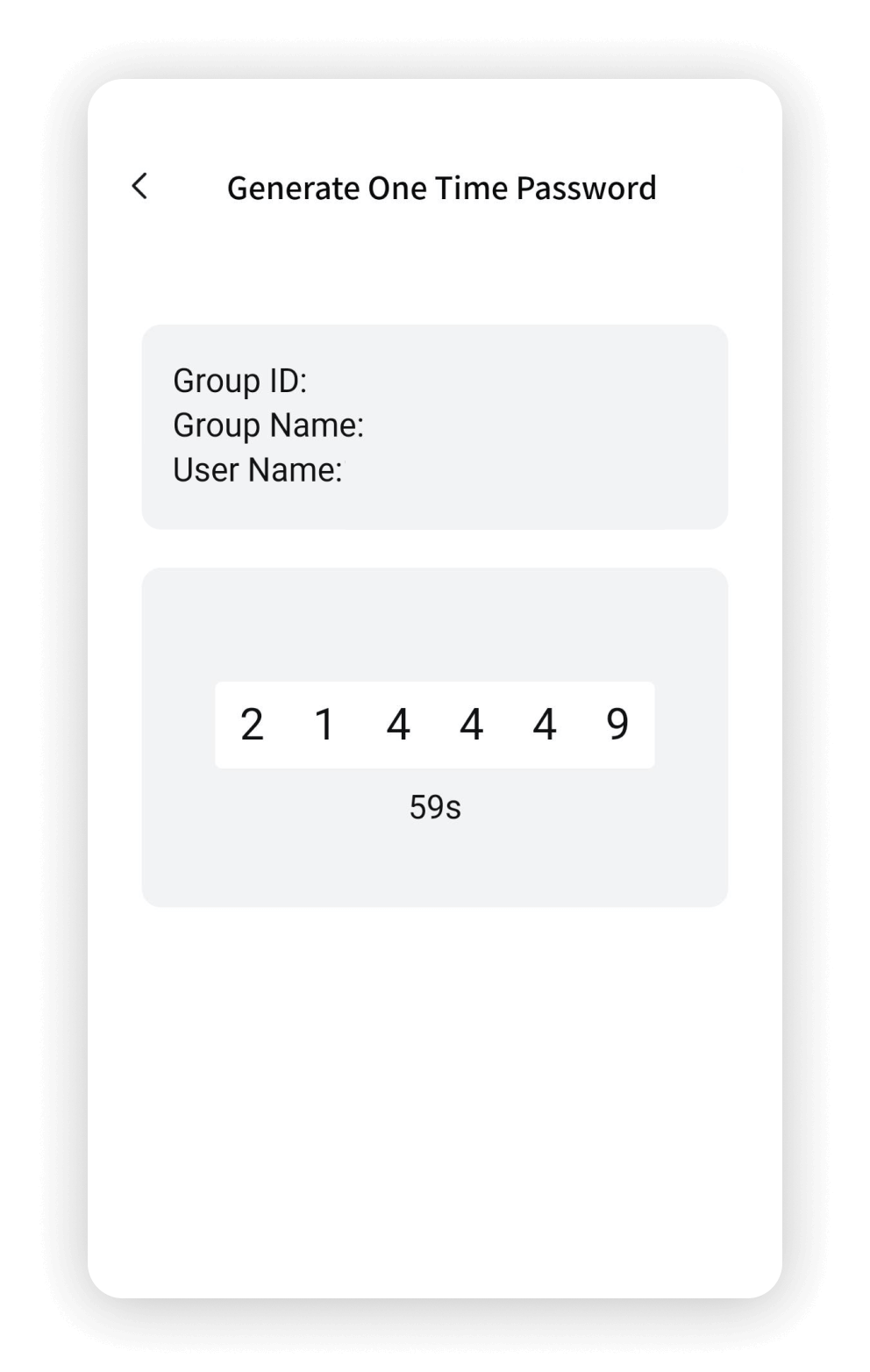 | The fourth stepGenerate a six-digit one-time password for Corporate Internet Banking login. The password is valid once per login |
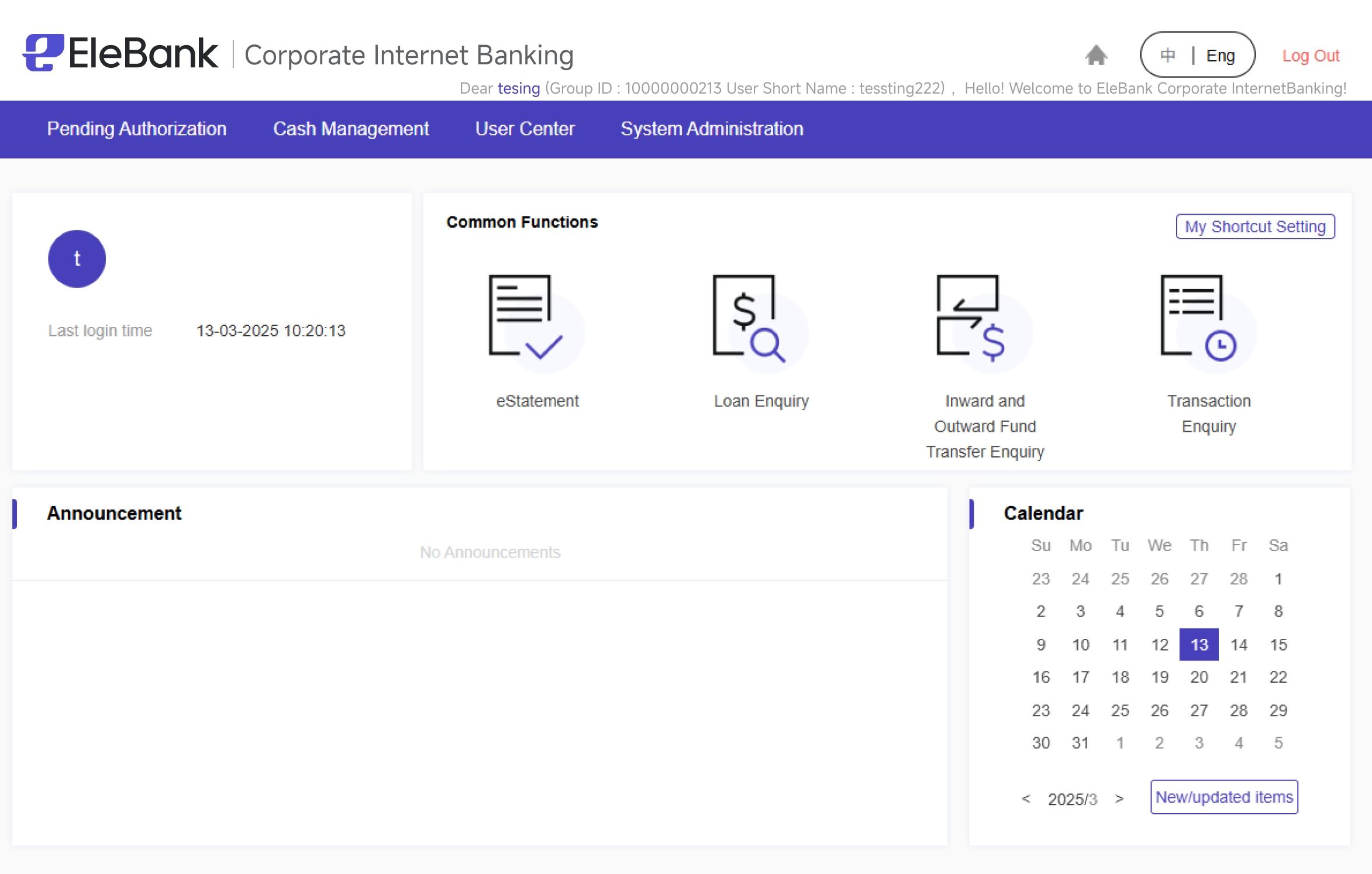
Log in to Corporate Internet Banking
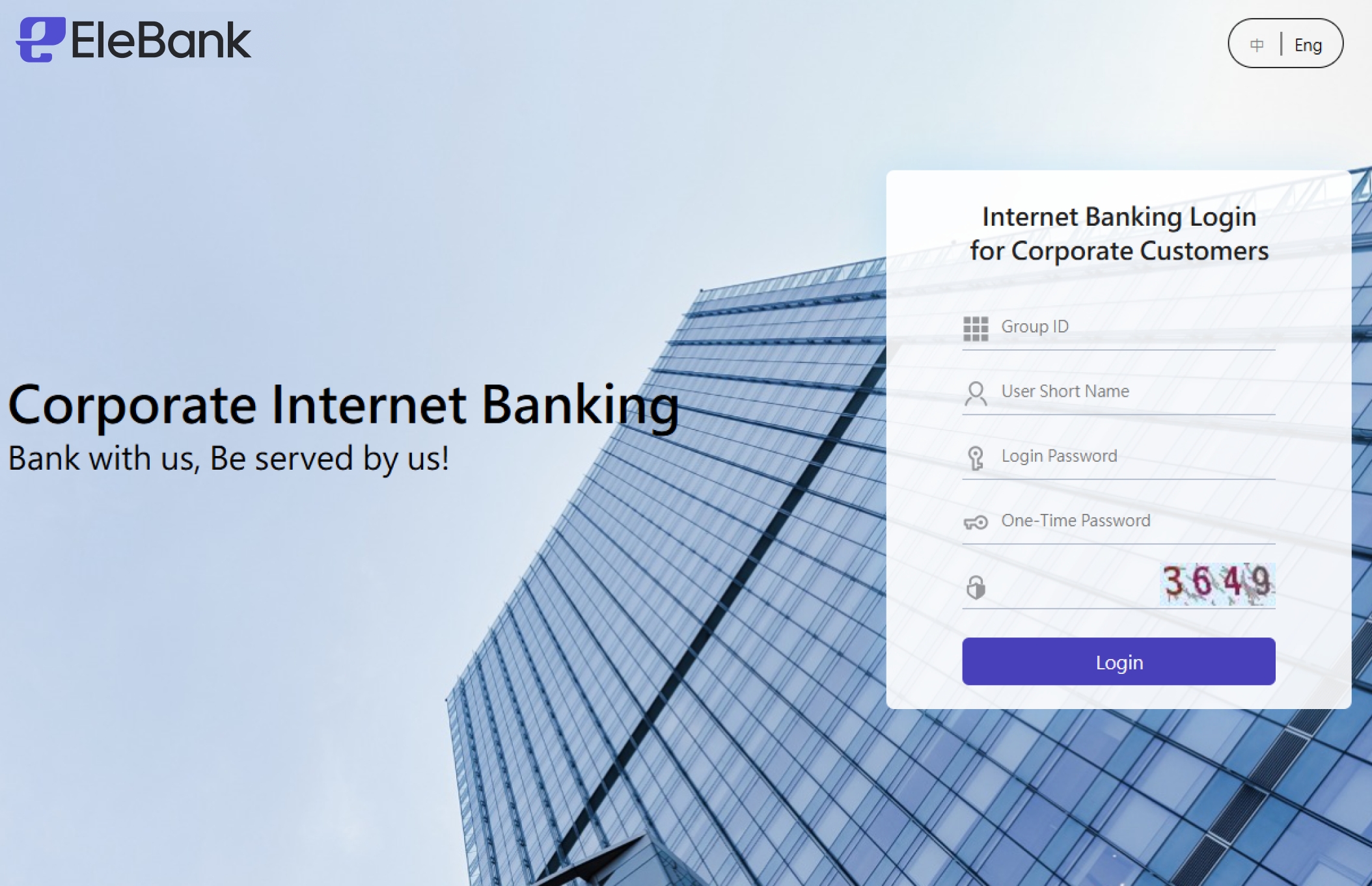
Obtain the one-time password